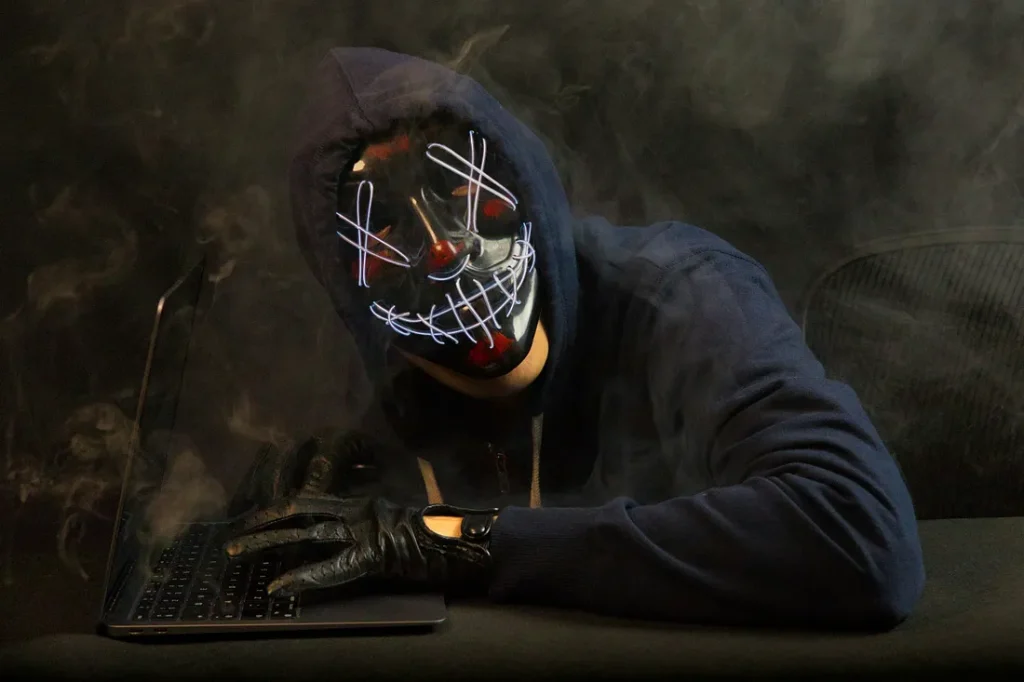

Hey guys! So, let’s chat about something super important but often overlooked: online privacy. It’s not just about avoiding creepy ads or those annoying pop-ups. Your online privacy is a big deal because it’s directly tied to your personal security and peace of mind. I mean, think about it. How many times have you clicked “I agree” without actually reading the terms and conditions? Or just logged into your favorite social media platform without a second thought?
We live in a world where our data is constantly being collected, analyzed, and, let’s be real, sold. From your search history to your location, companies want to know it all. But don’t stress! There are some easy ways to protect yourself and keep your data safe. So grab a coffee, get comfy, and let’s dive into some best practices for safe browsing.
1. USE STRONG, UNIQUE PASSWORDS.
Okay, this one’s a no-brainer but still super important. Using strong, unique passwords is like having a super secure lock on your front door. You wouldn’t use the same key for your house and your car, right? The same logic applies to your online accounts.
Here’s the deal: avoid using easily guessable passwords like “123456” or “password.” Instead, go for something a bit more complex. Mix upper and lower case letters, numbers, and special characters. And please, don’t use the same password for everything. If one account gets hacked, the rest are vulnerable.
Pro tip: Use a password manager. It’s like a digital safe where you can store all your passwords securely. Plus, it’ll generate strong passwords for you!
2. ENABLE TWO-FACTOR AUTHENTICATION.
If you’re not using two-factor authentication (2FA), you’re seriously missing out. Think of 2FA as an extra layer of security. Even if someone manages to get your password, they’ll still need that second factor to get into your account.
Here’s how it usually works: you’ll enter your password, and then you’ll receive a code on your phone or email that you’ll need to enter to complete the login process. It’s a bit of an extra step, but trust me, it’s worth it.
Most major sites and services offer 2FA these days, so make sure you enable it wherever you can. It’s like putting your online accounts in a vault that only you can access.
3. BE CAUTIOUS WITH PUBLIC WI-FI.
Public Wi-Fi is super convenient, but it’s also a security nightmare. Think about it: when you’re connected to a public network, you’re basically sharing a digital playground with anyone who’s on the same network.
If you absolutely have to use public Wi-Fi, make sure you’re connecting through a VPN (Virtual Private Network). A VPN encrypts your internet connection, making it much harder for anyone to snoop on your data. It’s like having a private tunnel through the internet.
Also, avoid doing any sensitive activities like online banking or shopping while on public Wi-Fi. If you can, save those tasks for when you’re on a secure, private network.
4. KEEP YOUR SOFTWARE UP TO DATE.
I know, I know, software updates can be annoying. But here’s the thing: those updates often include important security patches that protect you from the latest threats. Skipping updates is like leaving your front door wide open.
Make sure your operating system, browser, and any apps you use are always up to date. It’s a simple way to stay one step ahead of potential hackers and malware.
5. BE SMART ABOUT WHAT YOU SHARE ONLINE.
We all love sharing our lives on social media, but it’s important to think before you post. Oversharing can put your privacy at risk, especially if you’re sharing personal details like your address, phone number, or vacation plans.
Cybercriminals can use this information to craft convincing phishing attacks or even steal your identity. So, keep the personal details to a minimum and be cautious about who you’re sharing information with.
6. USE SECURE WEBSITES.
When you’re browsing or shopping online, make sure the website is secure. Look for “https://” at the beginning of the URL. The “s” stands for secure, and it means that the website is using encryption to protect your data.
If you see just “http://,” it’s best to avoid entering any sensitive information. Secure sites are much less likely to be compromised, so make sure you’re shopping and browsing on websites that prioritize your safety.
7. REGULARLY MONITOR YOUR ONLINE PRESENCE.
It’s a good idea to periodically check on your online presence to make sure nothing looks suspicious. Search for your name and see what comes up. Review your social media profiles and privacy settings to ensure you’re not sharing more than you intended.
Also, keep an eye on your financial accounts and credit reports for any unusual activity. If something seems off, it’s better to catch it early.
IN CONCLUSION
Protecting your online privacy doesn’t have to be overwhelming. By following these simple practices, you can keep your data safe and surf the web with confidence.
Remember, it’s all about staying informed and taking proactive steps to safeguard your personal information. So, next time you’re online, keep these tips in mind and stay safe out there!