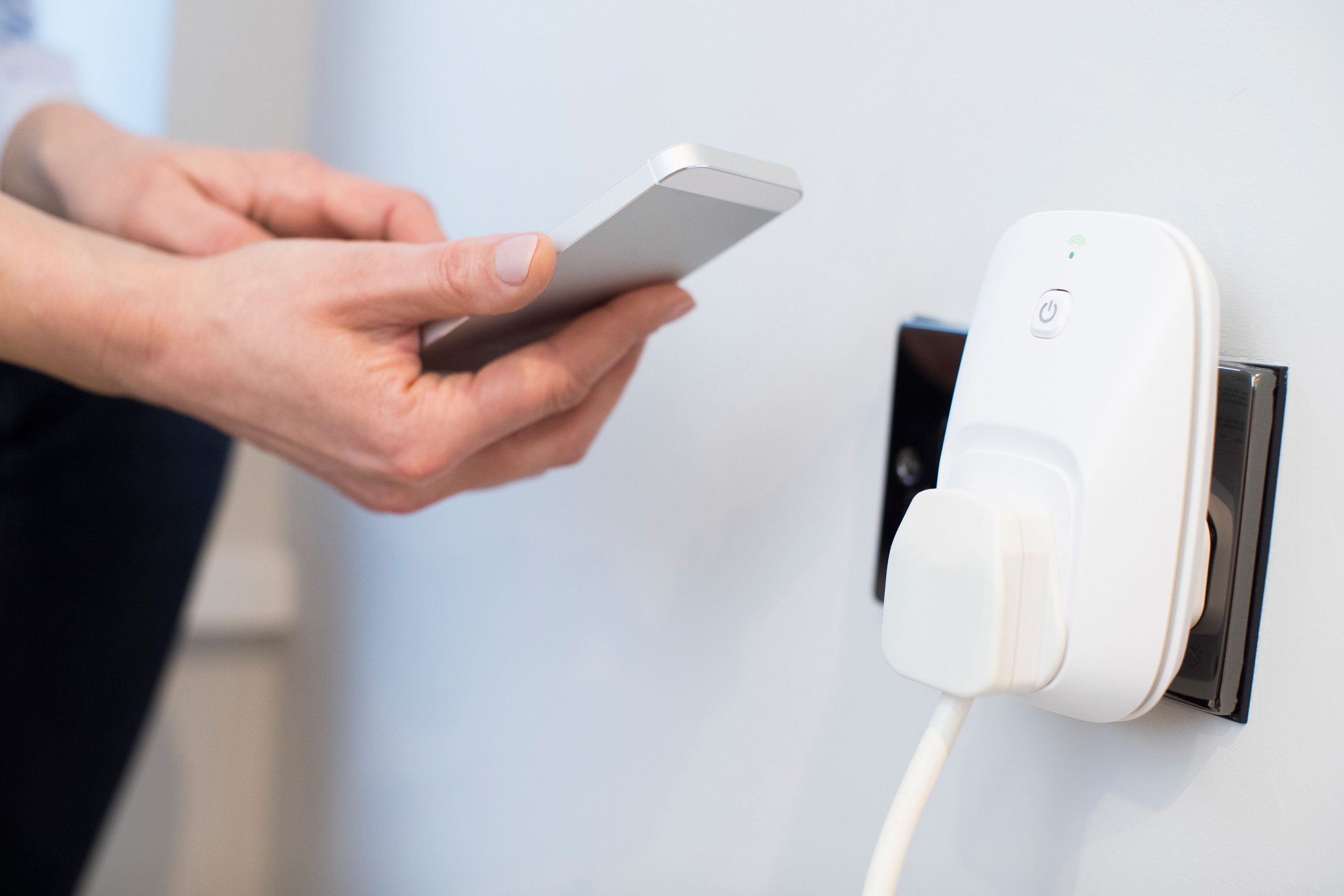
5 Best Smart Plugs to Reduce Standby Power Waste
If you’ve been following our Budget Nesting series, you already know about the “Vampire Power” phenomenon—the silent, creeping electricity draw from devices that are plugged in but turned off. Individually, a coffee maker or a gaming console doesn’t use much in standby mode. But when you multiply that by 20 or 30 devices across your home, you’re essentially paying a “hidden tax” on your utility bill every month.
The solution? Smart plugs. But not just any smart plug. To truly win at energy saving, you need plugs that offer energy monitoring features. These allow you to see exactly how many Watts your devices are pulling in real-time.
After testing dozens of options for their reliability, app ease-of-use, and energy-tracking capabilities, here are the top 5 smart plugs to help you declutter your energy bill in 2026.
1. The All-Rounder: Kasa Smart Plug (EP25) with Energy Monitoring
TP-Link’s Kasa line has been a staple in the smart home world for years, and for good reason. The EP25 is compact, meaning it won’t block the second outlet on your wall—a common frustration with cheaper, bulkier plugs.
-
Why it’s great for nesting: The Kasa app provides a “Power Consumption” dashboard that shows you daily, weekly, and monthly usage. It’s incredibly satisfying to see a graph of your energy use drop to zero once you set up a schedule.
-
Best use case: Use this for your entertainment center. You can set a schedule to cut power to your TV, soundbar, and PlayStation at 11:00 PM and have it “wake up” at 7:00 AM.
2. The Heavy-Duty Choice: Eve Energy (Matter-Enabled)
If you are serious about data and privacy, Eve Energy is the gold standard. It uses Matter over Thread technology, which is a fancy way of saying it’s lightning-fast and works across Apple Home, Google Home, and Alexa without needing a “bridge” or hub.
-
Why it’s great for nesting: The Eve app offers the most detailed energy cost projections. You can actually input your utility provider’s $kWh$ rate, and the app will tell you exactly how many dollars that specific appliance is costing you per year.
-
Best use case: High-draw appliances like a portable AC unit or a space heater. Since it’s built with high-quality internal components, it handles the “heavy lifting” safer than budget brands.
3. The Budget Hero: Wyze Plug
Wyze is famous for making tech affordable, and their smart plug is no exception. While the base model is simple, it’s remarkably reliable for the price point.
-
Why it’s great for nesting: If you want to “smart-ify” 10 different lamps or fans at once, Wyze is the most cost-effective way to do it. The app is straightforward and doesn’t require a degree in computer science to navigate.
-
Best use case: Lamps, fans, and small kitchen appliances. It’s perfect for those “out of sight” outlets behind the sofa where you don’t want to go crawling every night to unplug things.
4. The “Mini” Specialist: Emporia Smart Plug with Energy Monitoring
Emporia is actually an energy management company first and a hardware company second. Their smart plugs are designed to integrate with their whole-home energy monitors, but they work brilliantly on their own.
-
Why it’s great for nesting: The Emporia app is built for “Energy Nerds.” It gives you second-by-second data. If you’ve ever wondered exactly how much power your toaster uses during its 2-minute cycle, this plug will show you.
-
Best use case: Your home office. Use it to monitor your desktop PC and dual monitors—you’ll be shocked at how much power they draw even when they are in “Sleep” mode.
5. The Design Pick: Philips Hue Smart Plug
If you already use Philips Hue bulbs for your “nesting” ambiance, adding their smart plug is a no-brainer. It is arguably the most beautiful and well-built plug on the market.
-
Why it’s great for nesting: It integrates perfectly with Hue’s “Scenes.” You can set a “Movie Night” scene that dims your lights and turns on your vintage popcorn maker or decorative neon sign simultaneously.
-
Best use case: Decorative lighting or “mood” appliances. It’s small, sleek, and stays out of the way while keeping your aesthetic intact.
Comparison Table: Energy Tracking Features
| Smart Plug Model | Energy Monitoring? | Connection Type | Best For |
| Kasa EP25 | Yes | Wi-Fi | General Households |
| Eve Energy | Yes (Detailed) | Matter/Thread | Privacy & Data |
| Wyze Plug | No (Basic) | Wi-Fi | Bulk Upgrading |
| Emporia | Yes (Real-time) | Wi-Fi | Energy Enthusiasts |
| Philips Hue | No | Bluetooth/Zigbee | Existing Hue Users |
How to Maximize Your Savings
Buying the plug is only step one. To actually see a difference in your electric bill, you need to implement The 11:00 PM Rule.
Go through your app and set every smart plug to turn off at 11:00 PM (or whenever your household goes to sleep). By cutting the “standby” draw for 8 hours every night, you are reclaiming 1/3 of your device’s idle time. Over a year, this can save the average household anywhere from $50 to $150, effectively paying for the smart plugs themselves within the first few months.
What NOT to Plug In
A quick safety note for our “Smart Nesters”: Never use a smart plug for high-wattage appliances that have a heating element, like a traditional oven, a large toaster oven, or a clothes dryer, unless the plug is specifically rated for that load. Also, never plug a “Smart Plug” into a “Power Strip” (daisy-chaining)—always plug them directly into the wall outlet.
Final Thoughts
Smart nesting isn’t just about cool gadgets; it’s about making your home work more efficiently so you can focus on the things that matter. Choosing one of these five plugs is a small investment that leads to a much more sustainable, “low-waste” lifestyle.
Do you have a device in your home that you suspect is an energy hog? Tell us in the comments, and we’ll tell you if a smart plug can help!
Leave a Reply